Minesweeper Néon
The minesweeper classic in retro neon: open the squares, work out where the mines are, clear the board as fast as you can.
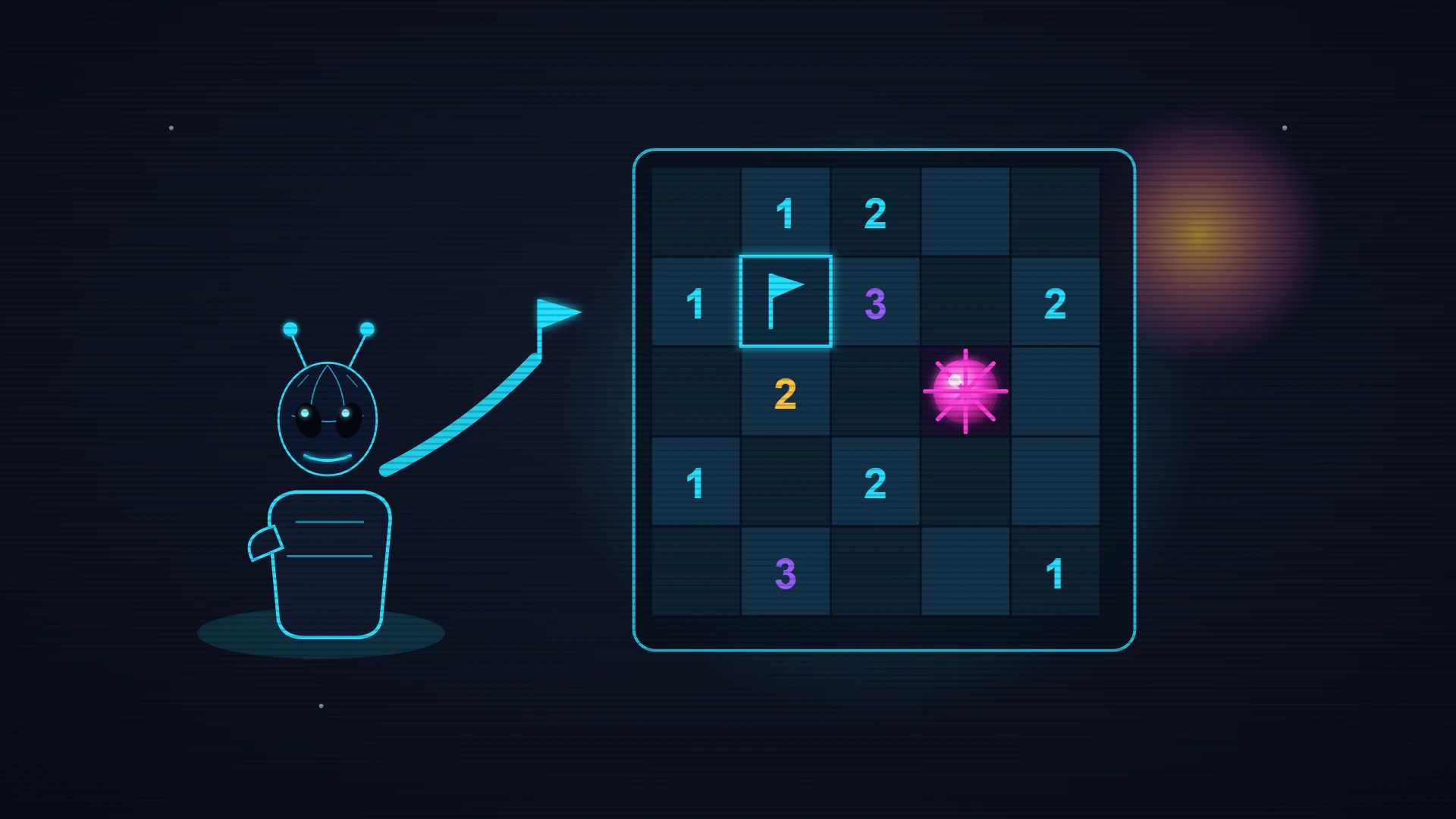
Read the rules below, then start your run.
About this game
Minesweeper Néon is the great logic classic dressed in a polished retro-neon skin. The goal is simple to grasp and brutal to master: uncover every square on the board that does not hide a mine, as fast as you can. Each square you reveal shows a number — how many mines sit in the eight squares around it. From those clues you work out, step by step, where the mines are and where it is safe to dig. Open a completely empty square (no mines around it) and a wave of reveals spreads on its own, clearing a whole region at once: those cascades are the best part of the game. To help you, plant a flag on any square you suspect so you never click it by mistake. Good news for nervous players: the very first click is always safe — there is never a mine under it or right next to it, so every game opens on a proper break. Your score is your TIME: the faster you clear, the better your record (the shortest clock wins). The timer starts on your first reveal and stops dead on the win. Three modes fit your level and your appetite for punishment: Easy (a 9×9 grid with 10 mines, perfect for learning), Medium (12×12 and 28 mines) and Expert (16×16 and 52 mines, for seasoned sweepers going for the top of the leaderboard). Play with keyboard and mouse on a computer — left click to reveal, right click to flag — or with a finger on mobile: a short press opens a square, a long press plants a flag, and a toggle button switches you to flag mode so you can mark several mines in a row with single taps. The neon look is built for instant readability: hidden squares are raised buttons, revealed ones are sunken and darker, every number has its own colour while staying sharply contrasted, and one wrong click sets off a merciless burst of light. It all runs at 60 frames per second with a discreet synthesised sound. Minesweeper Néon is free and instant in your browser, nothing to install. Create an account to sync your best times, enter the leaderboards and unlock trophies as you win. Can you clear the Expert board without a single mistake?
Your take
Sign in to react to this game in one click — nothing to write:
- Love it! 🔥
- More games like this! 🙌
- One of my favourites! ❤️
How to play
Uncover every mine-free square as fast as you can, working out where the mines are from the numbers.
Game rules
- The grid hides mines; your job is to reveal every square that does not contain one.
- Each revealed square shows a number: how many mines sit among its 8 immediate neighbours.
- An empty square — no mines around it — triggers a cascade that opens the adjacent squares automatically.
- Flag the squares you suspect hide a mine so you never click them by accident.
- The very first click is always safe: it will never land on a mine.
- Pick your mode: Easy (9×9, 10 mines), Medium (12×12, 28 mines) or Expert (16×16, 52 mines).
Controls (keyboard and touch)
- Left clickReveal a square
- Right clickPlace or remove a flag
- Short / long press (touch)Reveal (short) or flag (long)
- Toggle buttonSwitch to flag mode on touch
How a run ends
You win once every mine-free square is uncovered; the clock, started by your first reveal, is your score (fastest time wins). Click a mine and the game ends on the spot.
Tips & strategy
Work the 1s on the edges
A "1" touching a single hidden square marks a mine for certain: flag it without hesitating. Those guaranteed reads along the border are how you crack the rest of the grid open.
Count the flags around a number
Once a number already has all its mines flagged, every other neighbour is safe and can be opened in one go. That "satisfied number" rule speeds up a board enormously.
Open in the middle first
Since the first click is guaranteed safe, aim for the centre rather than a corner. An empty square in the middle sets off a big cascade and hands you a mass of information at once.
Did you know?
Minesweeper descends from games of the 1960s and 70s but took off thanks to Microsoft, which bundled it with Windows 3.1 in 1992. Shipped free with the system, it also served to get users comfortable with precise left- and right-clicking.
Its direct ancestor is usually cited as Mined-Out (1983) on the ZX Spectrum, then Relentless Logic on PC. The principle — deduce by elimination from numeric clues — makes it a pure logic game where luck only comes in as a last resort, when no certain deduction is left.
Frequently asked questions
- Is Minesweeper Néon free to play?
- Yes. Minesweeper Néon is completely free and runs straight in your browser — no download, no install, no paywall.
- How do you play Minesweeper Néon?
- Hit “Play” to start Minesweeper Néon. It runs on keyboard on desktop and on touch controls on phones and tablets — no controller needed.
- Do I need an account to play?
- No — you can play right away as a guest, and your best score is kept on this device. A free account (by email link, no password) syncs your high scores, puts you on the leaderboards and unlocks trophies.
- Does Minesweeper Néon work on mobile?
- Yes. The game is responsive and fully playable with your fingers on phones and tablets, just like on desktop, with no app to install.
- Why does the timer not start as soon as the grid appears?
- The clock only starts on your very first reveal, not when the board is drawn. So you can study the grid for as long as you like: the timer runs only once you have actually started playing.
- Can you finish Minesweeper without ever guessing?
- Usually yes: cross-reference the numbers and each deduction follows logically from the last. Now and then an ambiguous end-game shape does force a coin flip — that is where nerve comes in.